Computer T
Adding a new drive
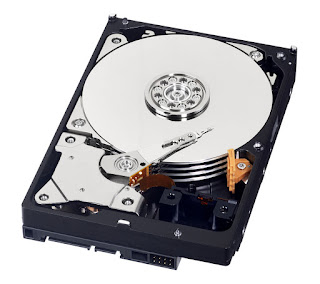
If you are adding a new hard drive because you need more disk space, and you have a desktop computer, a new hard drive can be added without replacing the old drive.
The benefit of adding a new hard drive is that you gain additional storage without having to erase any of your existing files or reinstall any of your programs.
Replacing existing drive
If you have a laptop computer or want to replace an older hard drive (HDD) with a new solid state drive (SSD), keep in mind that anything on the drive will be lost. While it is possible to transfer all of the data from one drive to another drive, we recommend doing a fresh install to prevent any future problems and to clean all of the junk software.
Before replacing a hard drive make sure you:
- Backup all important data
- Make sure you have the operating system disc or recovery disc
- Make sure you have all the necessary discs to reinstall your software
Comments
Post a Comment